On-brand social content in every format
Stop bouncing files between five tools to keep your feed looking right. On Starter and up, Picmato generates posts, stories, and ads in 1:1, 16:9, and 9:16. Ads take the brand kit you pick, campaigns use your default kit, and you can add your brand character to any of them. A cohesive feed without the busywork.
The problems Picmato solves
- Endless downloading and re-uploading between tools.
- A feed that looks inconsistent across posts and platforms.
- Constant pressure to ship great content at high volume.
What you get
Every format in one pass
1:1, 16:9, and 9:16 for feed, landscape, and stories/reels.
Brand character
One reusable mascot or face for your whole feed.
Brand kits for ads and campaigns
Pick a kit for your ads; campaigns use your default kit.
Bulk creation
Batch out a week of posts and stories in one sitting.
Other use cases
Every product deserves its own visual language.
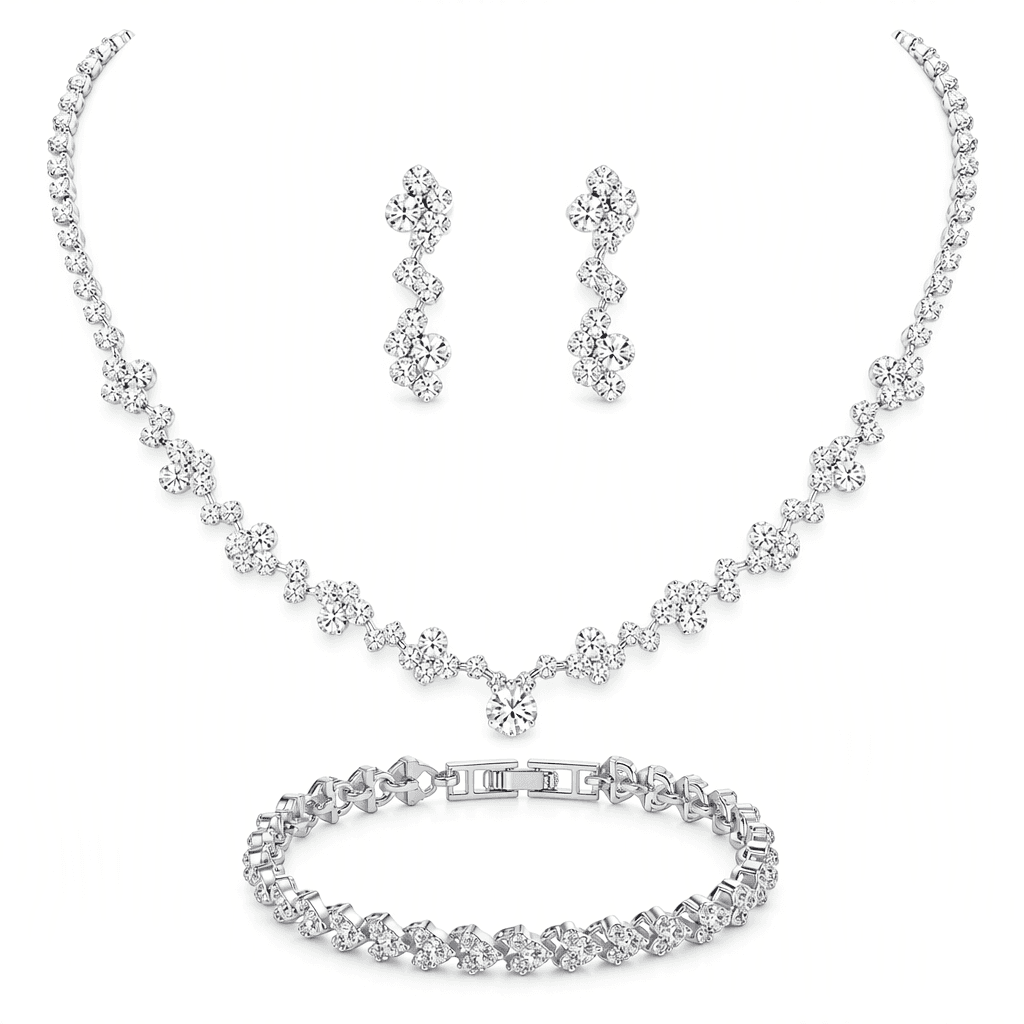
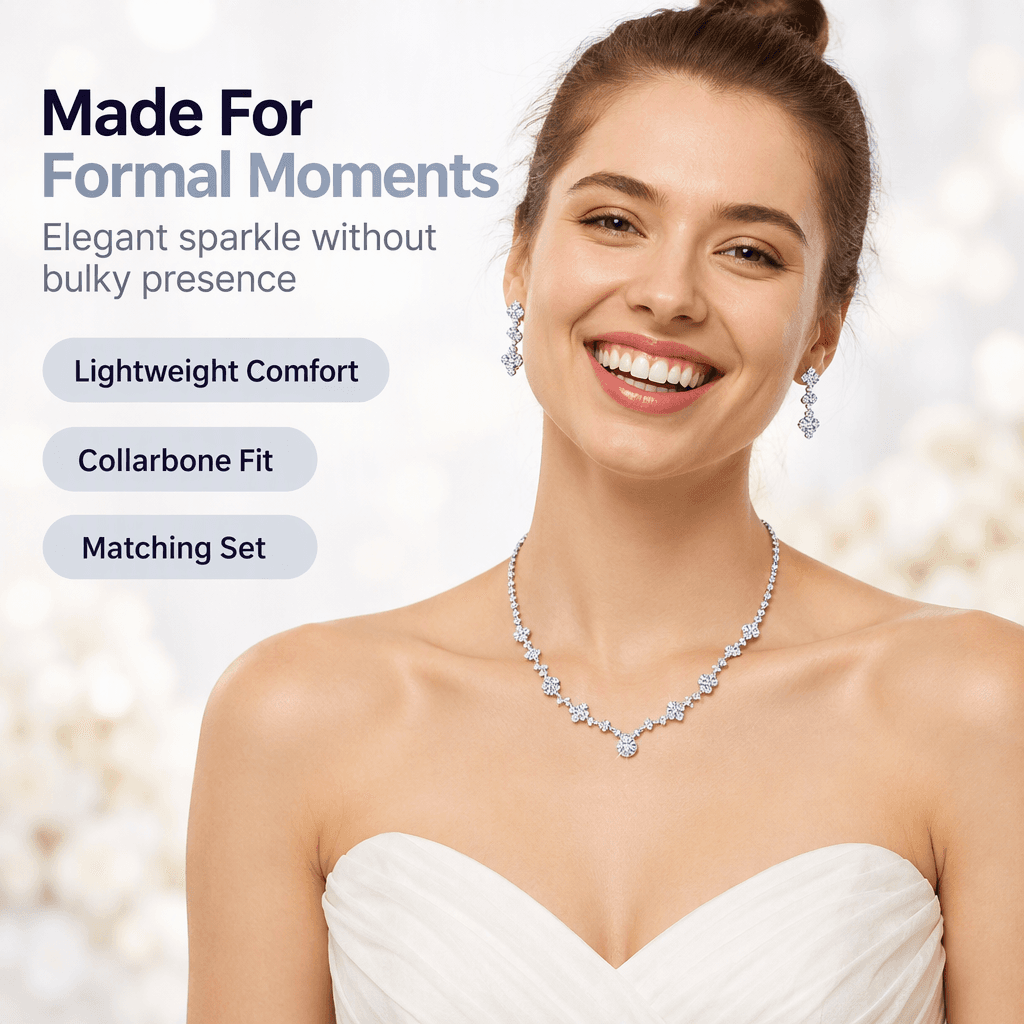
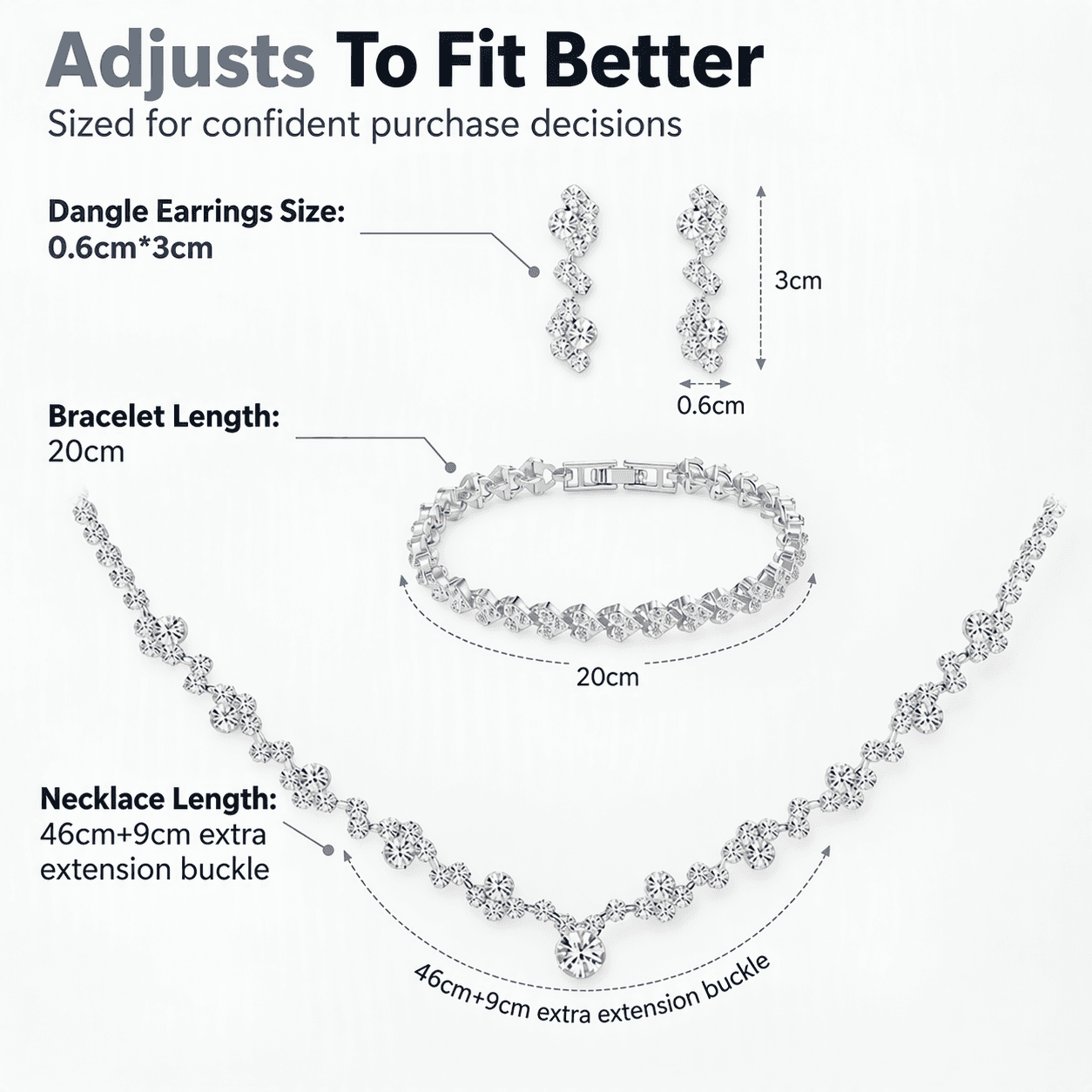
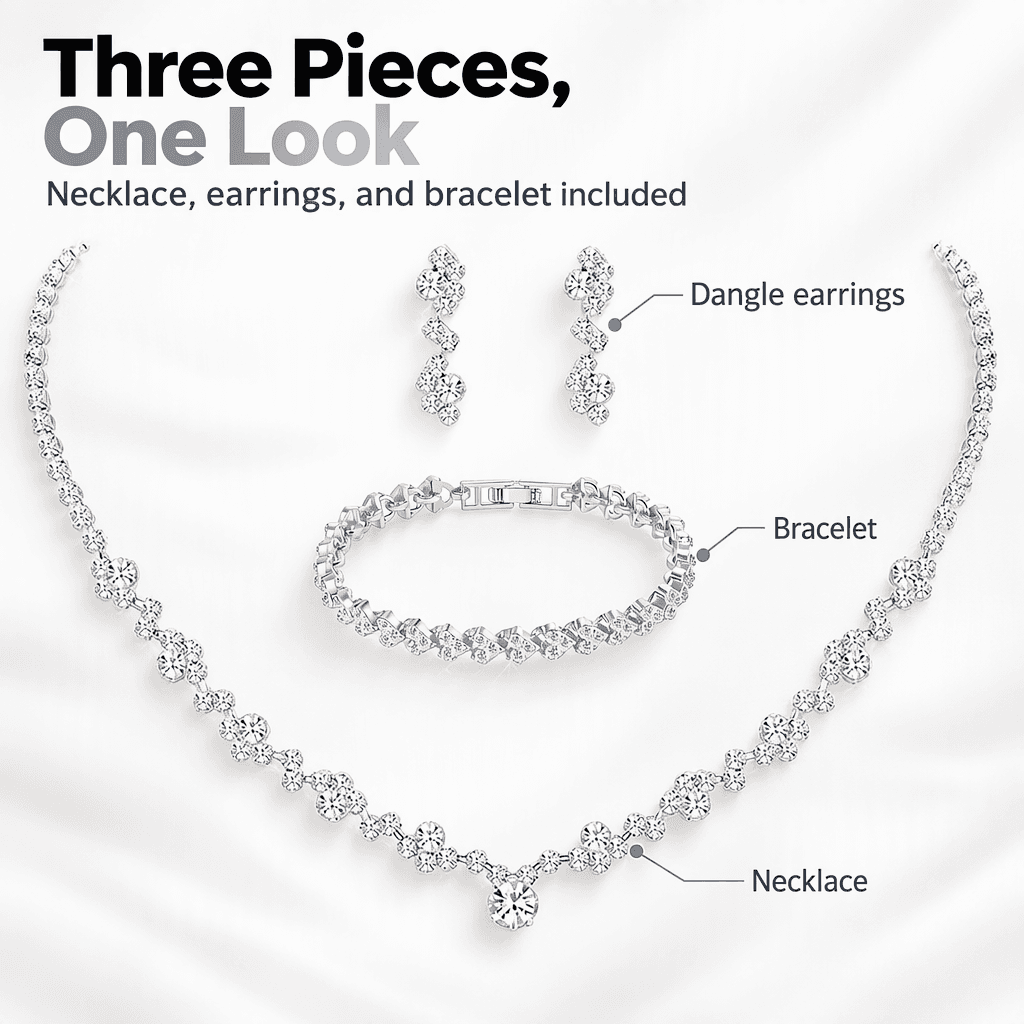
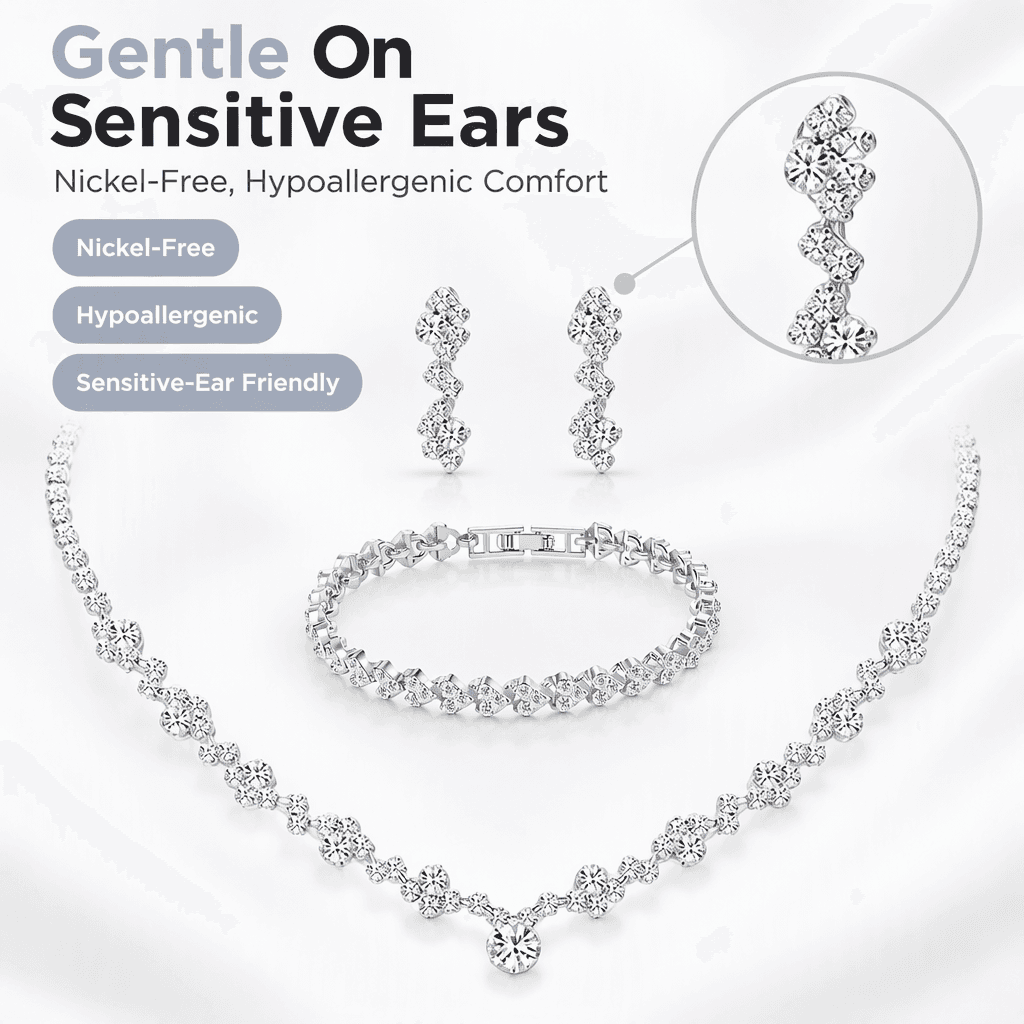
Craft a bridal & formal wear visual story
Highlight stone sparkle, collarbone fit on-model, exact dimensions, gift packaging, and sensitive-skin reassurance.



Recommended Playbooks & Regulatory Guides
Platform policies, image compliance documentation, and conversion architectures tailored for social media managers.
How AI Shopping Assistants (Amazon Alexa for Shopping, Rufus & Walmart GenAI) Read Your Listing Images
Conversational commerce has fundamentally disrupted e-commerce search. AI shopping engines like Amazon's Alexa for Shopping, Walmart's Sparky, and Google Gemini no longer rely strictly on text keywords; they deploy multimodal computer vision and OCR to inspect your gallery images. Here is how vision-language models evaluate your visual assets and how to optimize your listing gallery for AI recommendations.
Beauty & Cosmetics Product Photography: Swatches, Texture Macros & Regulatory Claims
Selling cosmetics and skincare online requires balancing sensory appeal with rigorous regulatory compliance. Learn how to photograph accurate shade swatches across diverse skin tones, capture high-definition texture macros, comply with FDA and CDSCO labeling mandates, and navigate strict marketplace rules prohibiting misleading Before/After claims.
Marketplace Comparison Charts & Competitor Claims: Amazon, Walmart & Flipkart Rules
Comparison charts are among the highest-converting infographic formats in e-commerce, but they navigate a legal and operational minefield. Discover whether you can legally name competing brands, how to construct compliant 'Us vs Them' graphics, why Amazon A+ Content strictly limits comparison tables to your own ASINs, and how to substantiate clinical and environmental claims.
Powered by these features
Social Media Managers: questions answered
Can Picmato keep my social feed visually consistent?
It helps. You pick your saved brand kit (colors, typography, and style) when you generate ads, campaigns use your default kit, and you can add your reusable brand character to posts, stories, and ads. Social posts and stories made as creatives do not take a brand kit, so check them against your palette. You still skip matching each asset by hand in a separate design tool.
Can Picmato batch-create a week of social posts at once?
Yes. You can generate multiple posts, stories, and ad creatives in a single session, each produced in 1:1, 16:9, and 9:16 at the same time. Pick a style and reuse it across the batch, so filling a week of your content calendar becomes one working block instead of a daily scramble.
What is a brand character and why should social media managers use one?
A brand character is a reusable AI-generated mascot or persona that fronts your brand's content. Picmato generates one and saves its portrait, and each post, story, or ad you add it to afterward is rendered from that portrait. Followers start recognizing the character mid-scroll, which builds familiarity a logo alone rarely earns, and it gives campaigns a face without booking talent or commissioning illustrations.
Can Picmato create A/B test variants of social ads?
Yes. Picmato generates A/B ad variants in the same run, so you get multiple takes on one concept without briefing extra designs. Every variant exports in square, landscape, and vertical formats, ready for feed, story, and video placements. Run them against each other, keep what your audience responds to, and regenerate fresh challengers when a winner starts to fade.
Ready to automate your creative workflow?
Start free with 100 credits a month. No design skills needed.