Scale on-brand creative without scaling your team
Your brand should look like one brand everywhere it shows up. Picmato gives D2C teams a single place to produce listing images, performance ads, and social content. Build a brand kit once, then pick it when you generate listing images and ads.
The problems Picmato solves
- Creative output capped by a tiny (or non-existent) design team.
- Branding that drifts across marketplaces, ads, and social.
- Rising costs and slow turnaround on every new campaign.
What you get
Reusable brand kit
Save your colors, type, and style, and pick the kit for listing images and ads.
Full-funnel creative
Listing images, social posts, and ad variants from one workspace.
Brand characters
A reusable mascot or spokesperson for every channel.
Fast iteration
Spin up campaign variants in minutes, not days.
Other use cases
Every product deserves its own visual language.
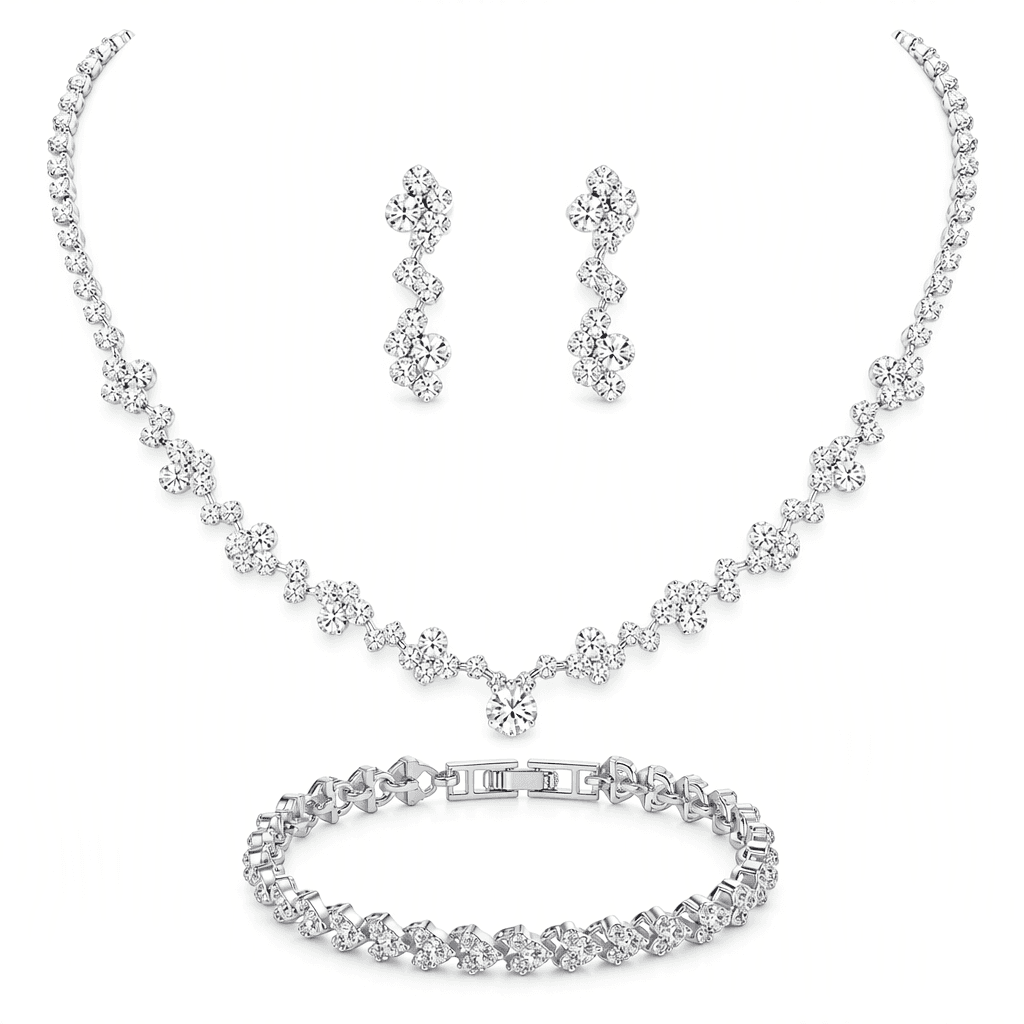
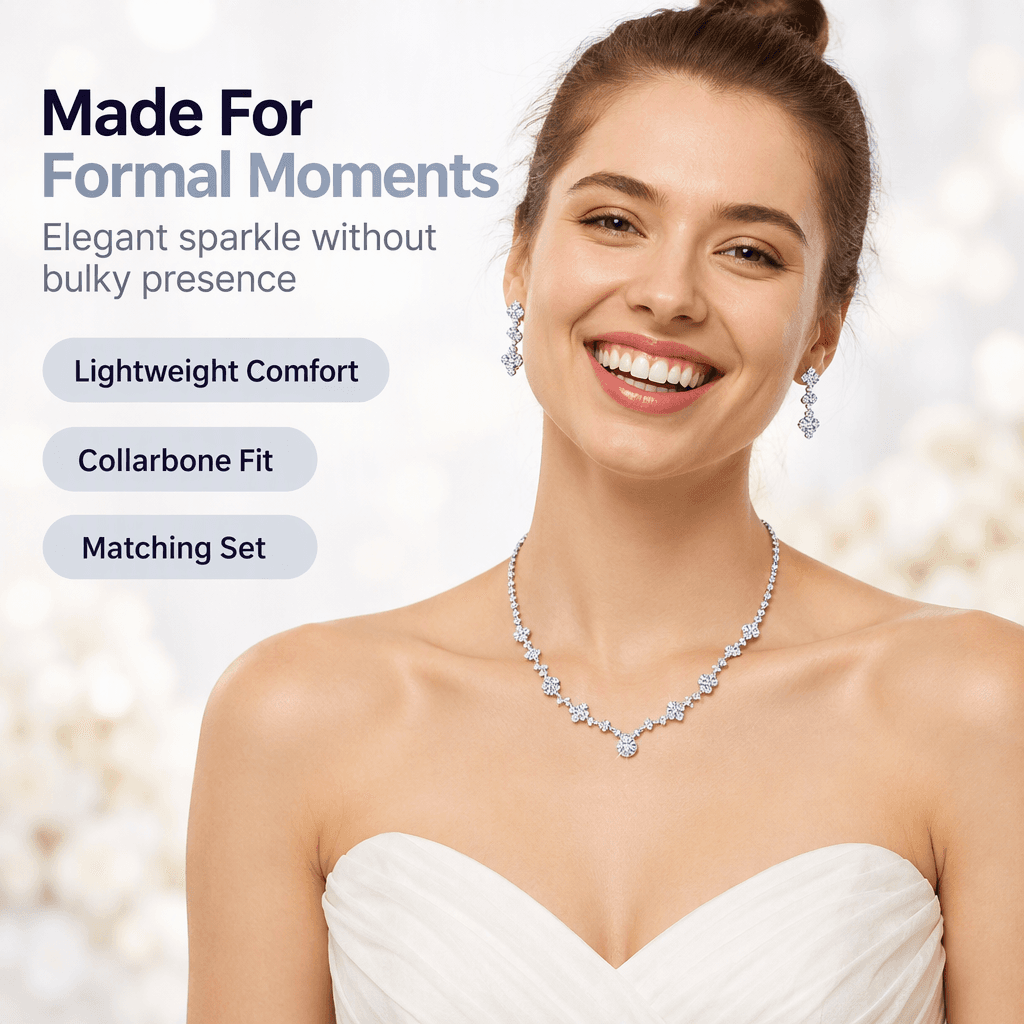
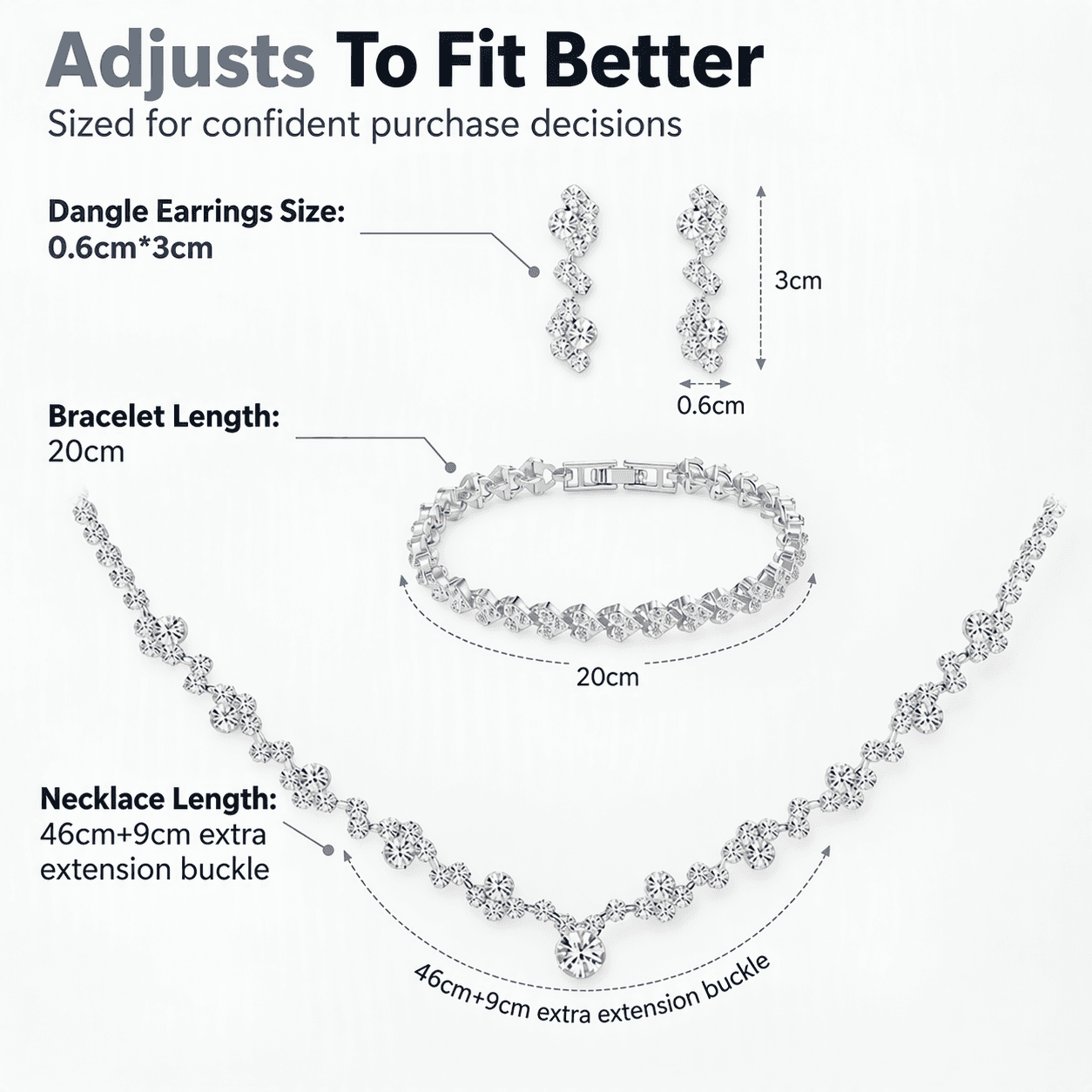
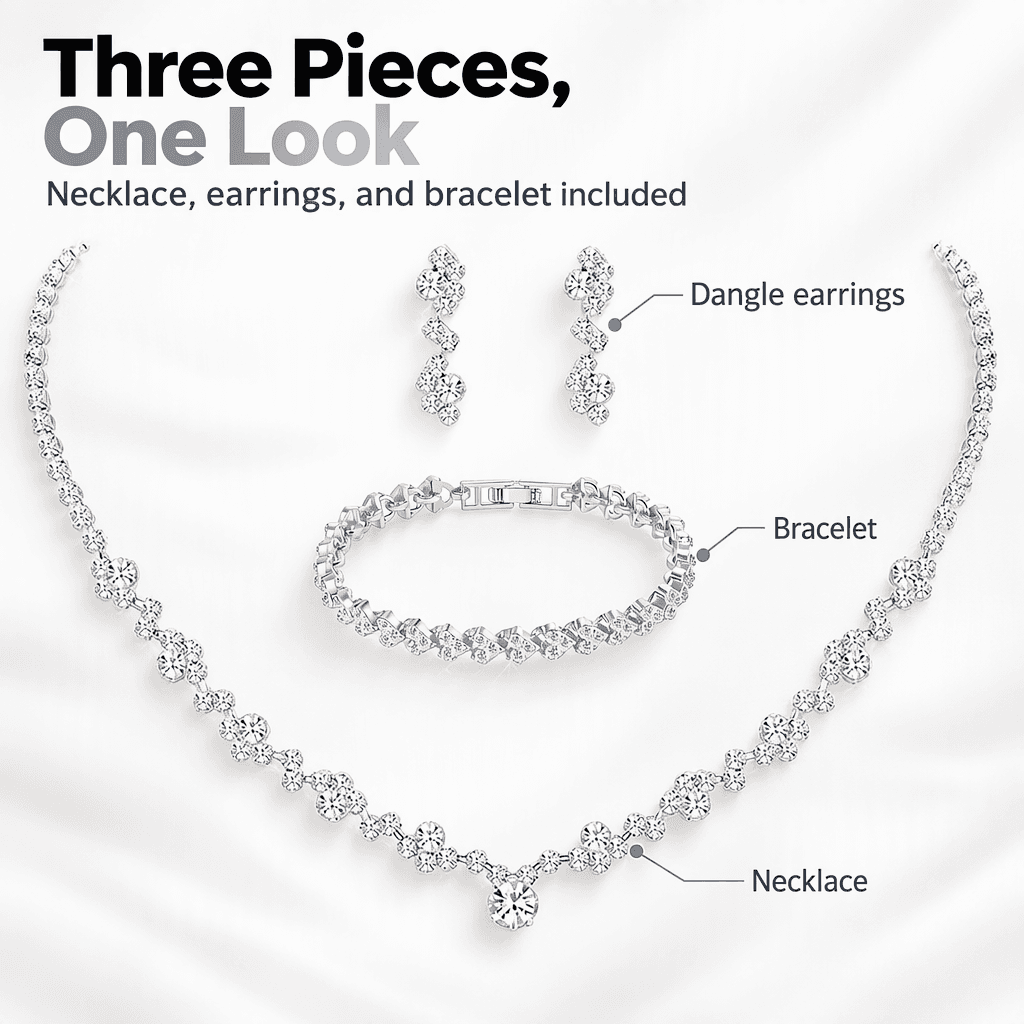
Craft a bridal & formal wear visual story
Highlight stone sparkle, collarbone fit on-model, exact dimensions, gift packaging, and sensitive-skin reassurance.




What creative assets does a D2C product launch actually need?#
A single product launch touches more surfaces than most teams plan for. Your marketplace listing needs a main image on a pure white background, plus lifestyle and detail shots that sell the benefit. Your own storefront wants richer, styled imagery that matches the rest of your site. Paid social needs square creative for feeds, vertical for stories and reels, and landscape for YouTube. That is easily a dozen assets before you have tested a single variation.
Picmato compresses that stack into one session. Paste your Amazon, Walmart, Flipkart, or Meesho product URL, or upload phone photos in JPG, PNG, WebP, or HEIC. Pick the same saved brand kit for the listing set and the ad set, so the same colors and type steer both. Templates such as Hero Image, Material Close-up, and Lifestyle are tailored to your product. Export ads in 1:1, 16:9, and 9:16 for Instagram, Pinterest, and YouTube, at up to 4K on Pro and Max. The main image is briefed with no text, each other image's brief decides whether it needs any, and shots your product data cannot evidence are not offered; you still check the finished files against each marketplace's rules.
How do D2C brands scale creative output without hiring designers?#
The teams that scale treat creative like a system, not a series of one-off projects. Set the system up once. Build your brand kit first, from a built-in template or from scratch. Add a brand character if a mascot or recurring face fits your brand. Feature one in a listing set, a campaign or an ad, or up to 2 on a single regenerated image, a social post or in the chat editor, and each image with your character is rendered from its portrait. Seeing a recurring character campaign after campaign is what makes a small brand start to feel familiar.
Then match spend to your calendar. D2C creative demand is spiky: launches, sale seasons, festive pushes, then quiet weeks. Picmato meters by credits, so a spiky calendar is a question of which monthly allowance you need. Start free with 100 credits a month; a paid plan raises that to 1,000, 2,100 or 4,500. Credits renew monthly and do not carry over, so pick the plan that matches your busiest month rather than your average one. When an ad underperforms mid-campaign, regenerate A/B variants in minutes instead of re-briefing a freelancer and losing days.
Recommended Playbooks & Regulatory Guides
Platform policies, image compliance documentation, and conversion architectures tailored for d2c brands.
Beauty & Cosmetics Product Photography: Swatches, Texture Macros & Regulatory Claims
Selling cosmetics and skincare online requires balancing sensory appeal with rigorous regulatory compliance. Learn how to photograph accurate shade swatches across diverse skin tones, capture high-definition texture macros, comply with FDA and CDSCO labeling mandates, and navigate strict marketplace rules prohibiting misleading Before/After claims.
The Definitive Amazon A+ Content & Brand Story Guide: Standard, Premium A++, and Mobile Layouts
Amazon A+ Content and Brand Story carousels can elevate detail page conversion by up to 20%, but strict module dimensions, mobile scaling issues, and policy rejections trip up even experienced brands. Here is the complete 2026 guide covering Standard A+ vs Premium A++, exact pixel specs for all modules, comparison chart rules, and how to fix rejection codes under Seller Central Document G202134260.
How AI Shopping Assistants (Amazon Alexa for Shopping, Rufus & Walmart GenAI) Read Your Listing Images
Conversational commerce has fundamentally disrupted e-commerce search. AI shopping engines like Amazon's Alexa for Shopping, Walmart's Sparky, and Google Gemini no longer rely strictly on text keywords; they deploy multimodal computer vision and OCR to inspect your gallery images. Here is how vision-language models evaluate your visual assets and how to optimize your listing gallery for AI recommendations.
Powered by these features
D2C Brands: questions answered
How does Picmato keep a D2C brand's creative consistent?
You save a reusable brand kit with your colors, typography, and visual style, then pick it when you generate listing images or ads. Campaigns use your default kit. Add a reusable brand character when you want a recurring character in your posts and ads. Review each output before it goes live.
Can I use the same product images for Amazon, Flipkart, and my own D2C store?
Yes. Generate once in Picmato and export for every channel. Marketplace main images are directed to a plain white studio background and briefed with no text, while your storefront and social channels can use richer styled versions of the same product. Everything exports at up to 4K on Pro and Max, in 1:1, 16:9, and 9:16. AI renderers do not guarantee an exact RGB value, so check the main image with a colour picker before uploading.
How can a D2C brand A/B test ad creative without a designer?
Generate the variants with AI instead of briefing a designer. Picmato produces A/B ad variants of the same product automatically, in 1:1, 16:9, and 9:16, so you can run different angles, styles, or layouts against each other on Instagram, Pinterest, or YouTube. Keep the winner, regenerate the loser in a new style, and repeat. Testing becomes a weekly habit instead of a project that waits on design capacity.
Ready to automate your creative workflow?
Start free with 100 credits a month. No design skills needed.