Amazon Variation Listings: Image Guidelines for Parent-Child ASINs, Swatches, and Colorways
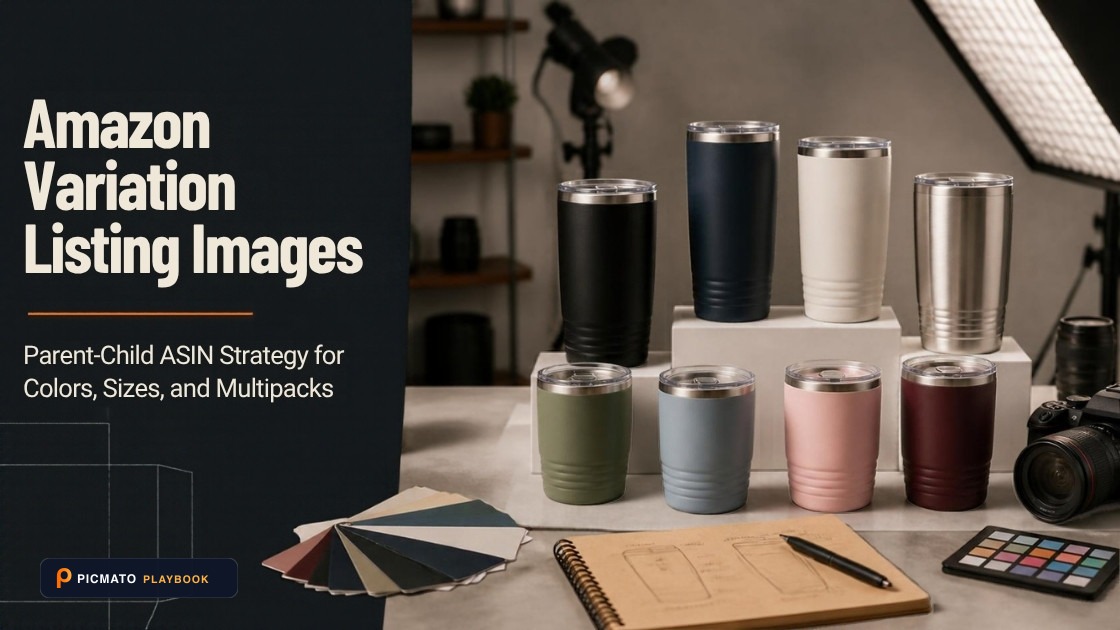
Coordinate main images and swatch thumbnails across variation child ASINs to avoid catalog suppression.
Selling product variations (different colors, sizes, bundle counts, or scents) on Amazon allows you to aggregate reviews and present a clean detail page. However, variation families introduce strict image relationships that frequently trigger catalog suppression when mismanaged.
A parent ASIN is merely a non-buyable container, while child ASINs hold physical inventory and image data. Here is how to configure main images, swatch thumbnails, and secondary galleries across your variation catalog.
Create listing images from your product photos
Paste your Amazon, Flipkart, Walmart, or Meesho product link or upload phone shots. Picmato recommends listing image templates tailored to your product. Review the plan and choose which images to generate; a nine-image plan does not guarantee nine finished images or nine visible gallery slots. AI renderers do not guarantee an exact RGB value, so check with a color picker before uploading.
How Amazon handles images on variation families
In Amazon's catalog architecture, shoppers never purchase a parent ASIN. When a customer selects a specific color or size dropdown, the detail page dynamically refreshes to load that child ASIN's specific data and image gallery.
If a child ASIN lacks dedicated images, Amazon may display placeholder blanks or fall back to images from another sibling variant, confusing buyers and resulting in high return rates for incorrect colors or styles.
Child ASIN main image rules: depicting the exact variant
Amazon's core main image rule applies with strict precision to variation listings: the main image must depict the exact physical variant corresponding to that child SKU.
If a child ASIN represents 'Navy Blue, Size Medium', its main image must show the Navy Blue item alone on pure white. Uploading a composite picture showing all five available colors on a single child ASIN violates marketplace policy and can cause catalog suppression.
Amazon swatch image specifications
Swatch images are the tiny clickable square or circular thumbnails shoppers use to switch between colorways or patterns on the product page.
Do not simply let Amazon auto-crop a full product photo for the swatch. Upload dedicated square swatch assets cropped specifically to the relevant material, texture, or colorway.
| Image Asset Type | Upload Recommendation | Amazon Policy Constraint |
|---|---|---|
| Child Main Image | 2000 x 2000 px square, pure white background | Must show only the specific colorway and item being purchased |
| Swatch Thumbnail | 1000 x 1000 px square crop of color or texture | Renders at roughly 30 x 30 px in dropdowns; avoid complex typography |
| Variant-Specific Gallery | 2000 x 2000 px square lifestyle and infographics | Feature callouts and models must feature the exact variant color |
| Shared Dimension Graphic | 2000 x 2000 px square technical slide | Permissible across color variations if physical dimensions are identical |
Avoiding variation suppression and catalog QC errors
Common variation defects include color name mismatches (labeling a child ASIN 'Matte Black' while uploading a glossy gray photo) and missing swatches that default to broken icon placeholders.
Ensure your variation feed template maps each SKU to its unique main photo and swatch image URL. Audit your live detail page in both desktop and mobile viewports after publishing.
Variation image upload checklist
Verify these steps when adding or updating variation families in Seller Central.
- Confirm every active child ASIN has its own dedicated main image on pure white.
- Upload high-resolution square swatch images focused on the color or material texture.
- Ensure product variant titles match the photographed colorway exactly.
- Verify that size charts account for all available sizes in the variation family.
- Preview the live listing to confirm swatch clicks toggle the correct gallery images smoothly.
Where can Picmato help, and what must you still verify?
Picmato recommends listing image templates tailored to your product. A nine-image plan describes the planned main image and eight further image purposes based on your listing context; it does not promise nine finished images or nine visible Amazon gallery slots. Review the available plan and choose which images to generate.
The main-image brief is directed to a plain white studio background. AI renderers do not guarantee an exact RGB value; inspect the exported file with a color picker before uploading. Check the product shape, sold quantity, dimensions, every rendered word and any depicted accessories against your own evidence.
Use original packaging photographs for label details, identifiers, warnings and authorized marks. Picmato does not check marketplace or legal compliance and does not verify a translation. This guide does not establish successful URL imports from every Amazon country domain. Use your own product photos when an import is unavailable.
Frequently asked questions
Do parent ASINs need their own images on Amazon?
No. Parent ASINs are non-buyable administrative containers used to bind variation children together. You should upload product images and swatches directly to the individual child ASINs where inventory is held.
What dimensions should an Amazon swatch image be?
While swatches render as small icons on the detail page, uploading a high-resolution square image of at least 500 to 1,000 pixels ensures the color swatch renders crisply and supports hover zoom.
Can I show multiple color variations together on the child main image?
No. Amazon's main image policy requires the main image to show only the specific product included with that ASIN. Showing multi-color lineups on a main image for a single colorway child ASIN triggers listing rejection.